Image Renaming Automation
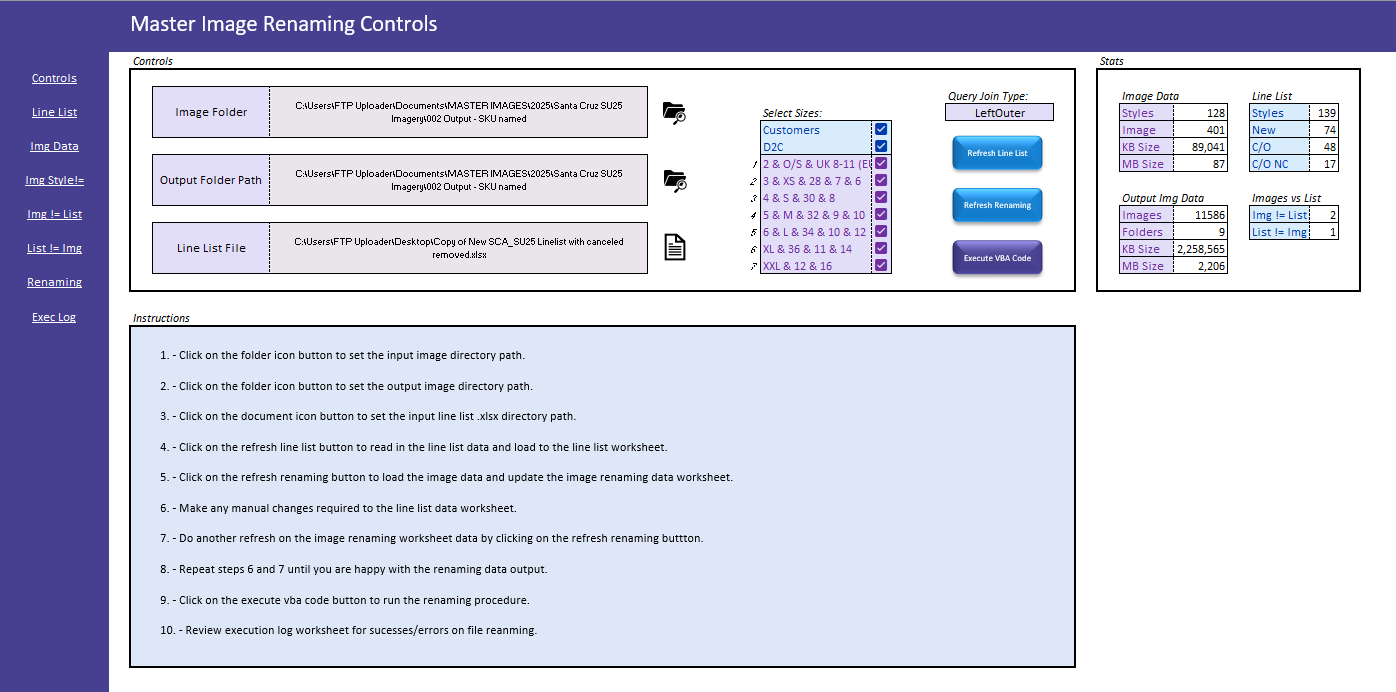
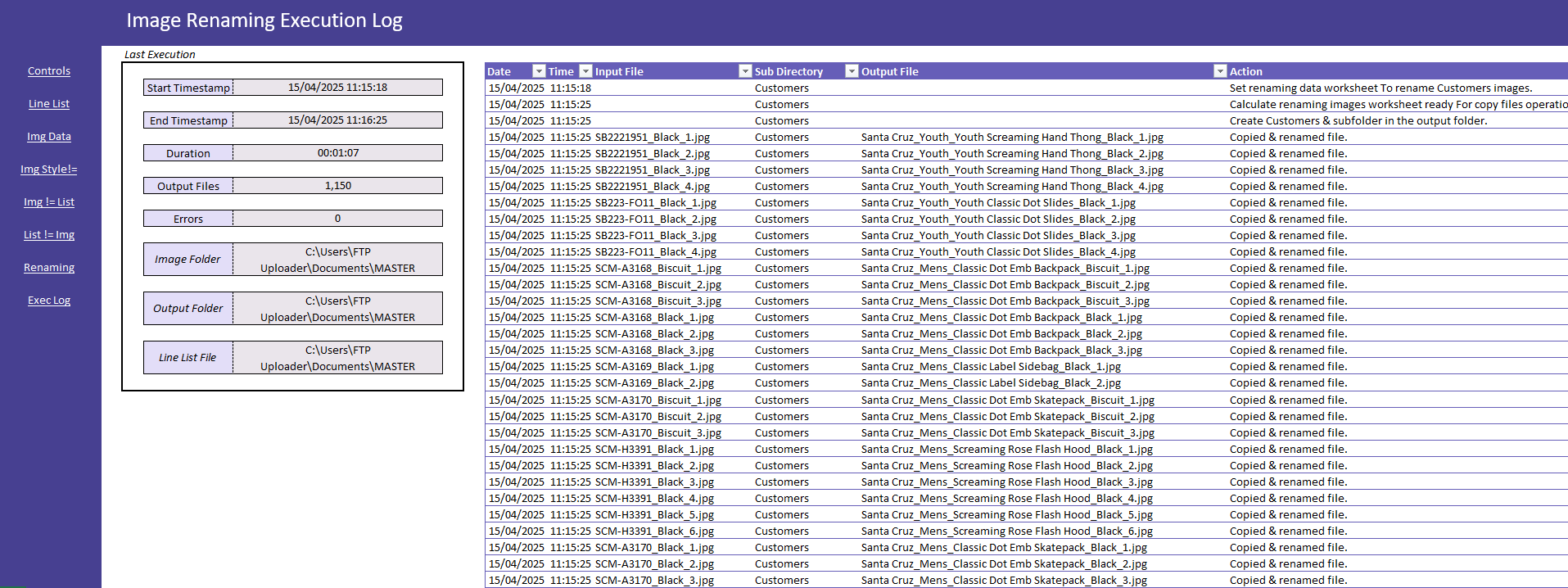
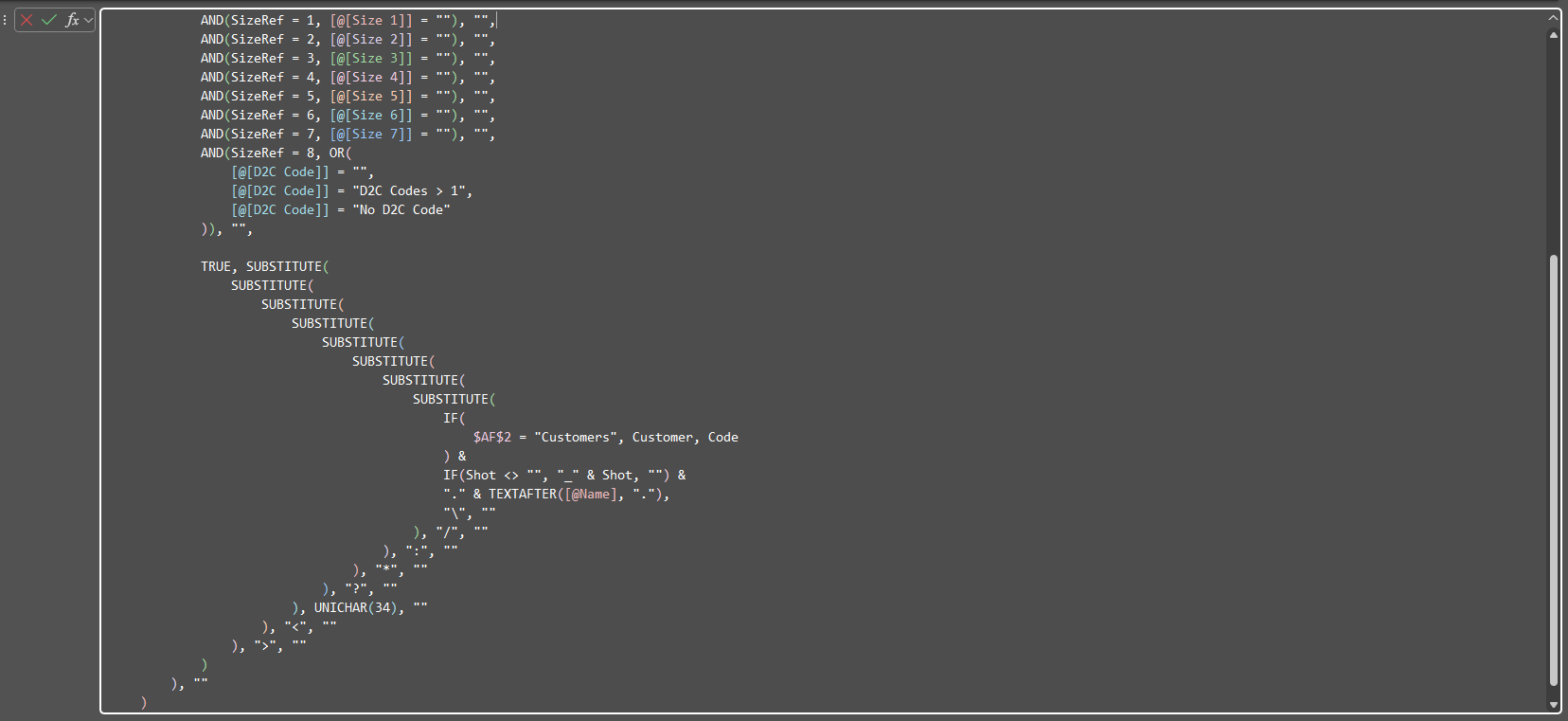
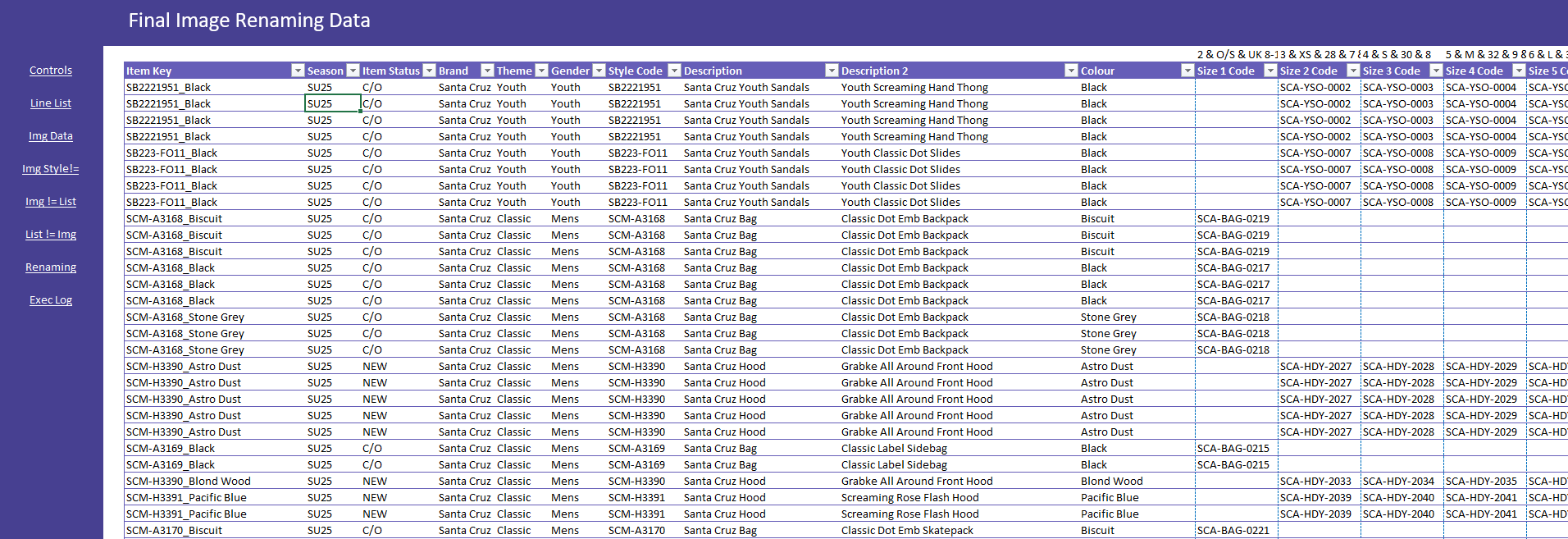
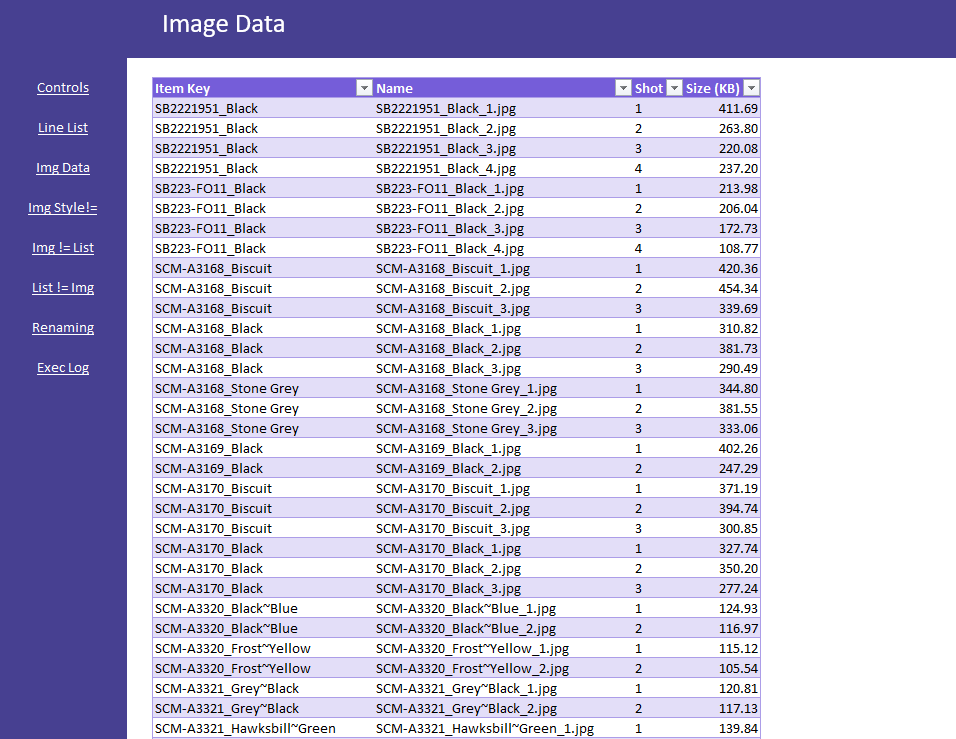
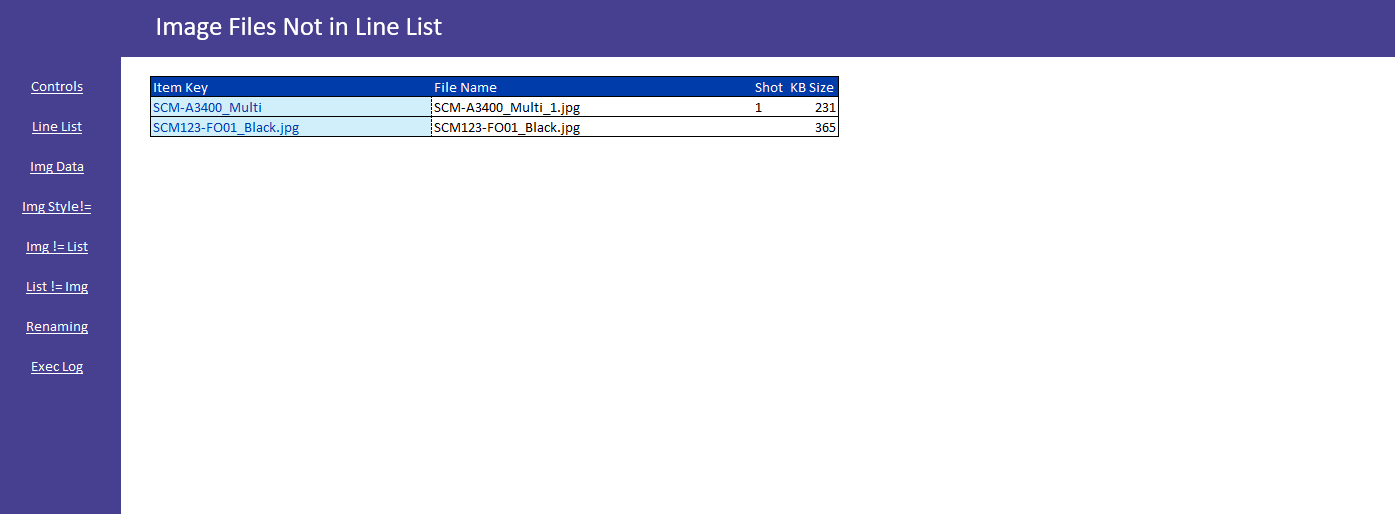
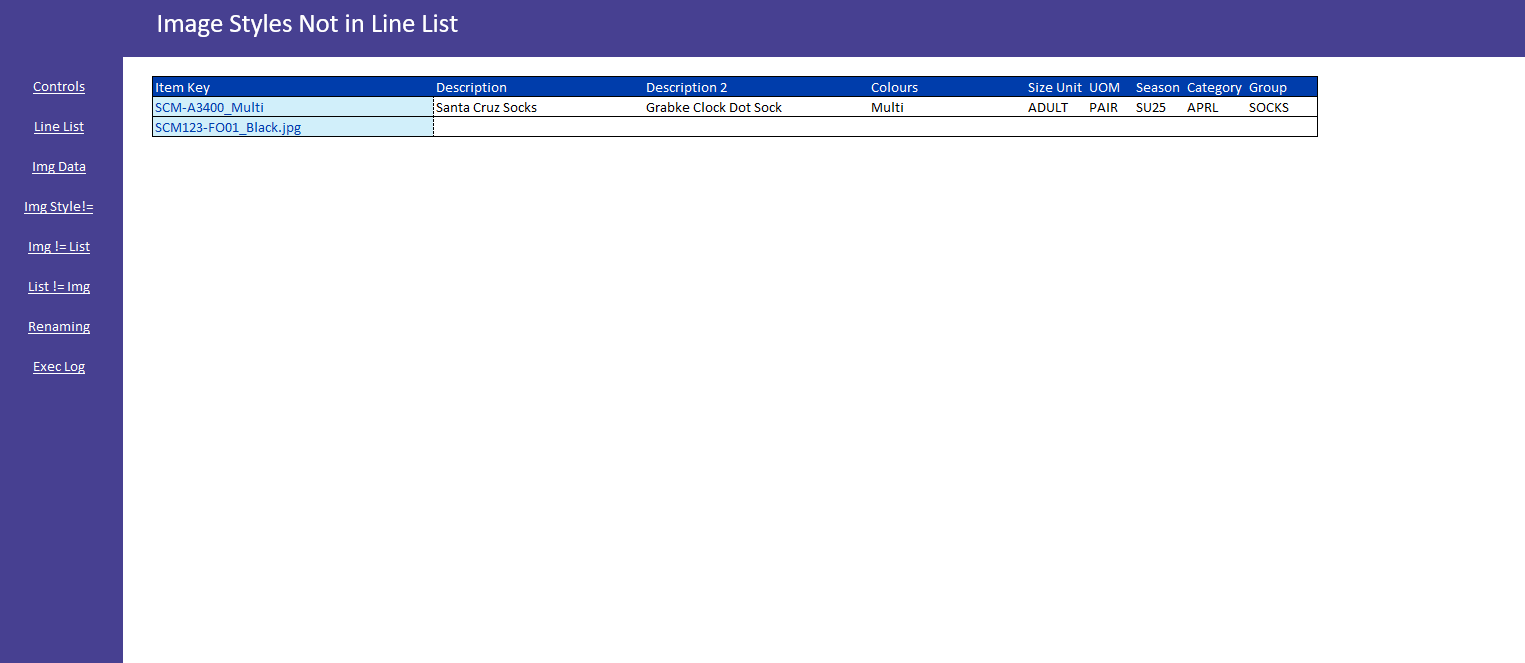
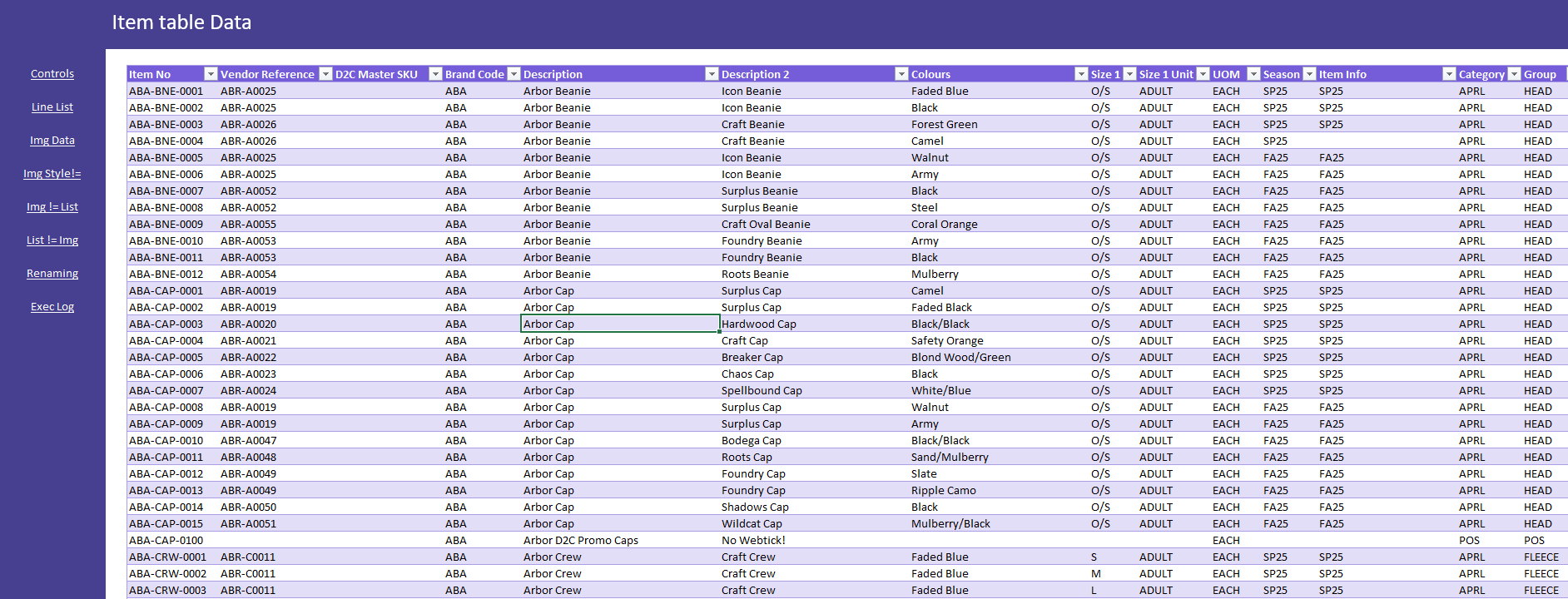
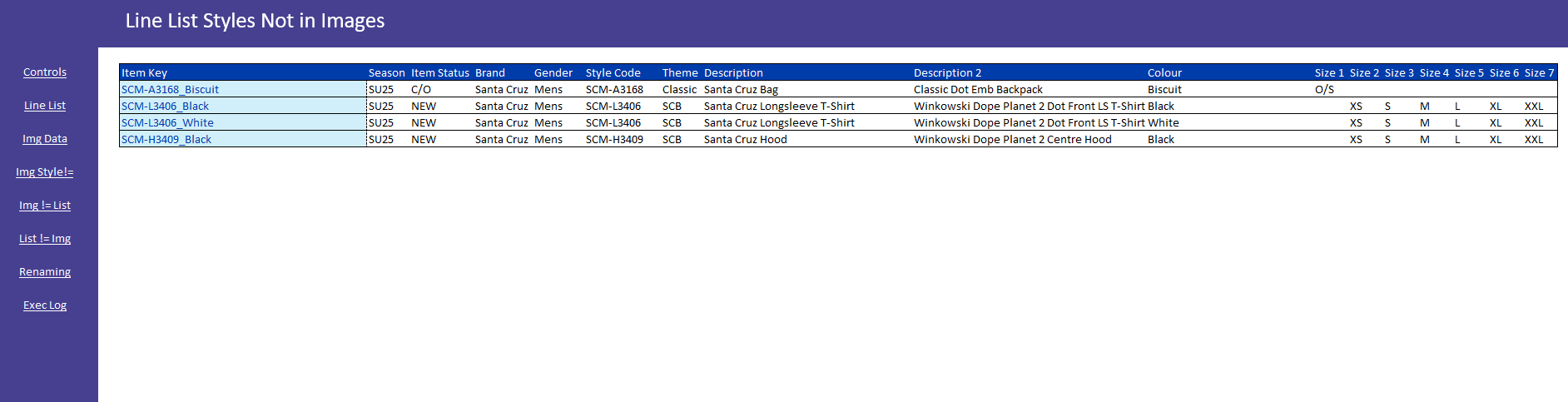
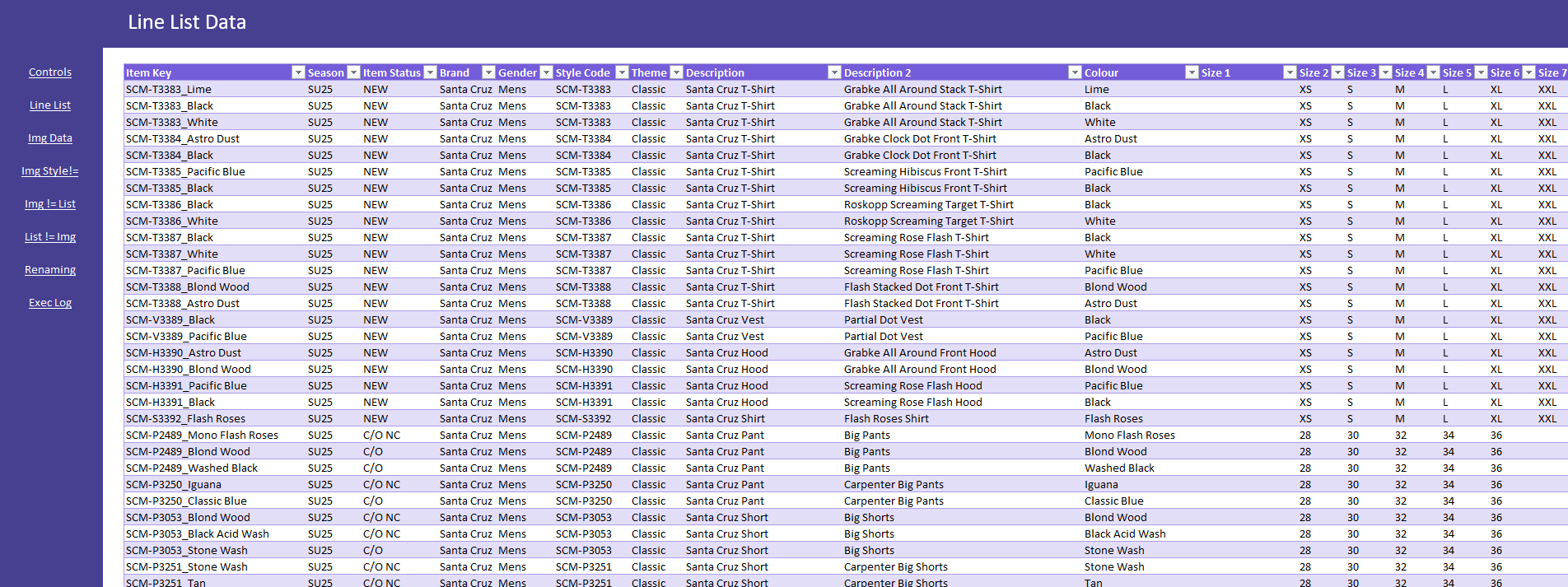
The Challenge: As a multi-brand clothing wholesaler, our company develops new seasonal ranges approximately every three months. Each range requires extensive product photography for multiple channels: print catalogues, B2B website, D2C website, and customer-facing materials. This process created a significant bottleneck, as studio images had to be manually copied and renamed one-by-one to match each channel's specific naming conventions—a task that consumed weeks of staff time per season. Additionally, inconsistent product names and descriptions across production documents created confusion and made matching items between systems frustratingly difficult. The Solution: I developed an Excel-based automation tool that programmatically renames studio product images to all required formats across different business channels. The solution was designed as an .xlsm file that non-technical users with standard permissions could operate independently, eliminating reliance on IT for routine image management tasks. Technical Implementation: • Excel VBA macros to automate file renaming and manipulation operations • Power Query (M language) for data transformation and cleaning • Excel formulas for dynamic filename generation and validation • User-friendly interface designed for non-technical administrators already familiar with Excel workflows • No elevated permissions required - leverages native Office capabilities accessible to all users Business Impact: This automation eliminates weeks of manual work from each seasonal development cycle. The solution has reduced stress on creative teams, allowing them to focus on design and creative work rather than administrative tasks, while ensuring naming consistency across all business channels.
Back to Portfolio